Copy a shared playbook
Save a copy of a playbook or play another coach shared with you to your own library, and edit it as your own.
Save a copy
Open the shared link and choose Save copy in the top bar (on a phone, in the menu), then confirm. CoachCanvas opens in a new tab and adds the copy to your library.
Saving a copy needs a CoachCanvas account; a free one is enough. If you're not signed in, CoachCanvas asks you to sign up or log in first.
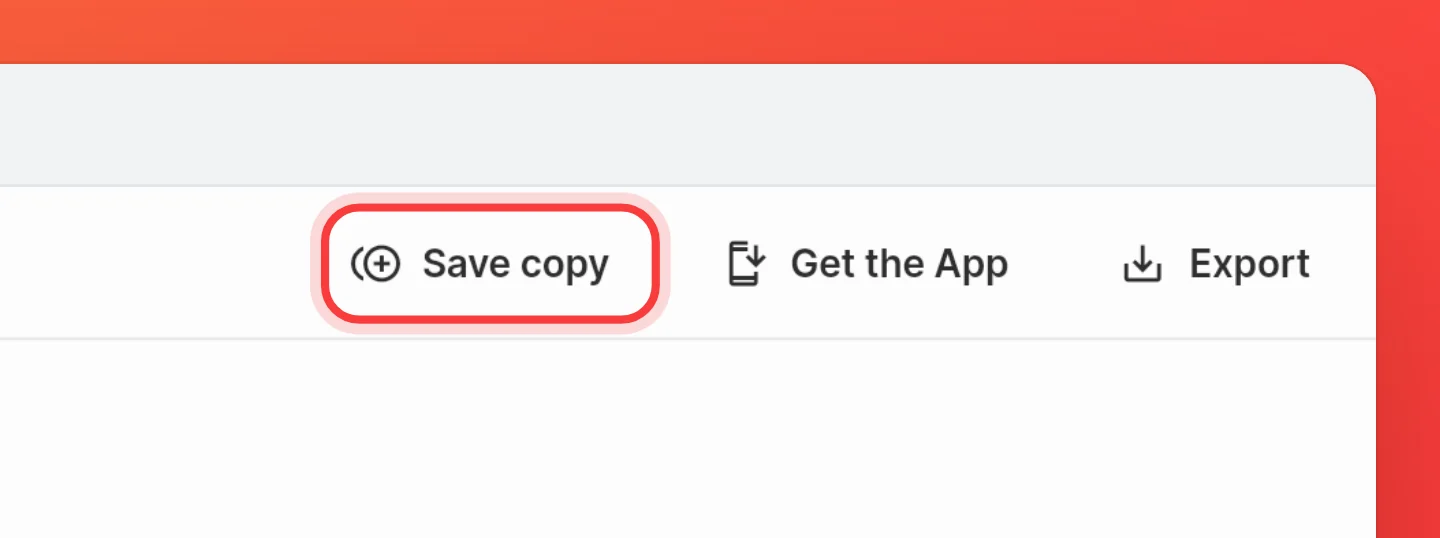
Copy a single play
Open one of the playbook's plays and choose Save copy there to add only that play. A play shared on its own link has the same button.
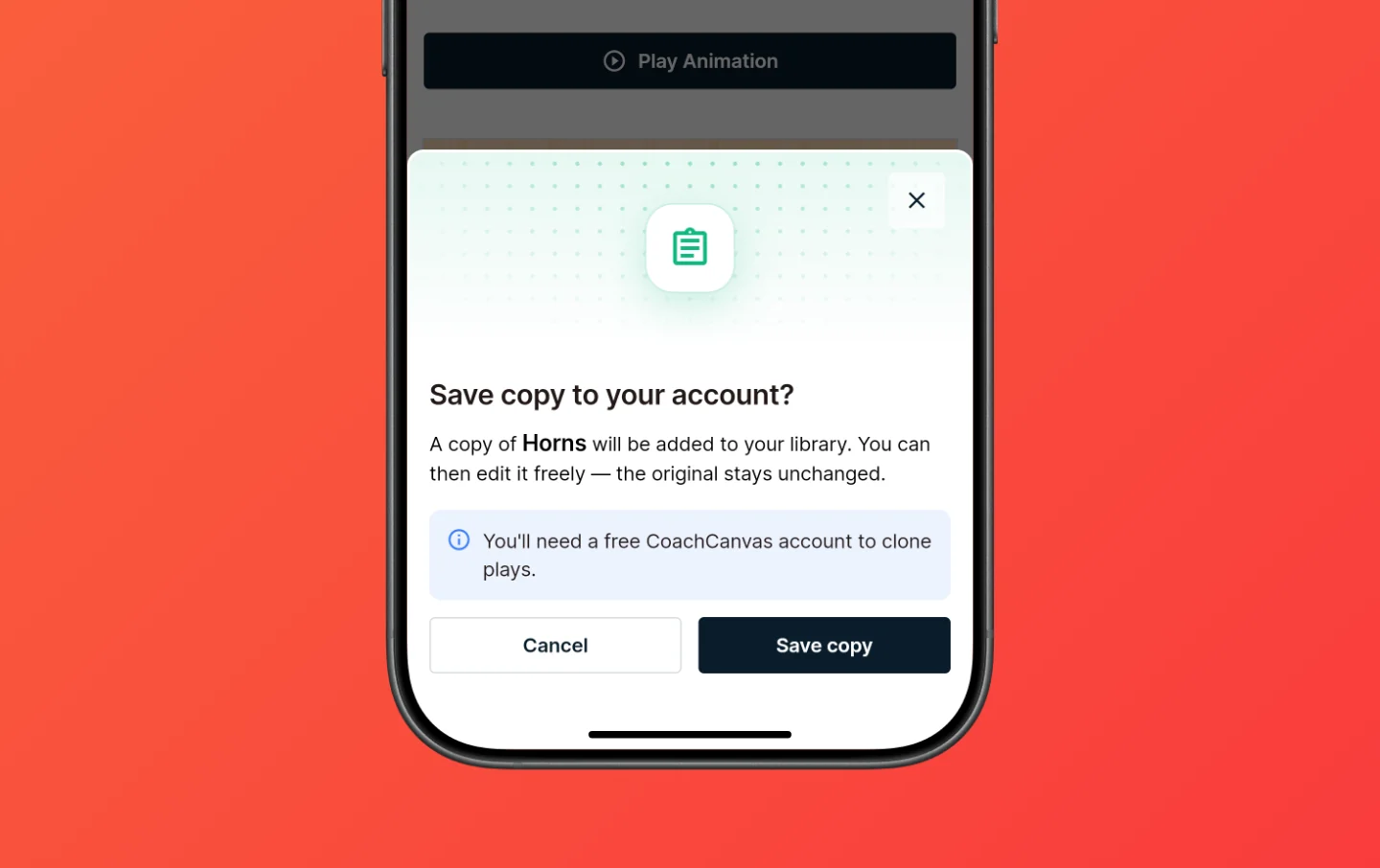
What you get
The copy is yours to edit, add to your playbooks or share with your team. The coach who shared it doesn't see your changes.
A copied playbook comes with all its plays and sections, but not:
- Updates. Later changes to the original don't reach your copy. Save a new copy to get them.
- Branding. The copy wears your branding, not the other coach's colors and logos.
- Labels. Plays arrive without labels, so you can sort them your way.
- Password. Your copy is private until you share it.
Free plan limits
Copied plays count toward the free plan's 30 plays. If a copy would take you over, nothing is saved and CoachCanvas offers Pro for unlimited plays.
FAQ
Why can't I find Save copy?
Save copy only shows in a browser, not in the installed team app. Open the same link in your browser instead.
Do I get the other coach's later changes?
No. Your copy stays as it was when you saved it. Save a new copy to get their changes.