Keep it up to date
A shared link always shows your latest version. Edit your plays as usual: there's nothing to republish, and players can see what changed.
Your edits reach the link on their own
A shared link shows the current version of your play or playbook. Fix a cut, add a frame, rename a play, add a play to the playbook or move it to another section: once the change has saved to your account, the link shows it. There's no new link to send.
CoachCanvas works offline, so you can edit in a gym without Wi-Fi. Those changes save to your account once you're back online, and only then reach the link.
What players see
Each time someone opens the link with a connection, it loads your latest version. On a phone, they can also pull down on the page to refresh.
Their device keeps the last version it loaded, so the page opens without a connection too. A player who is offline sees what they last loaded, not your newest edit.
Update badges
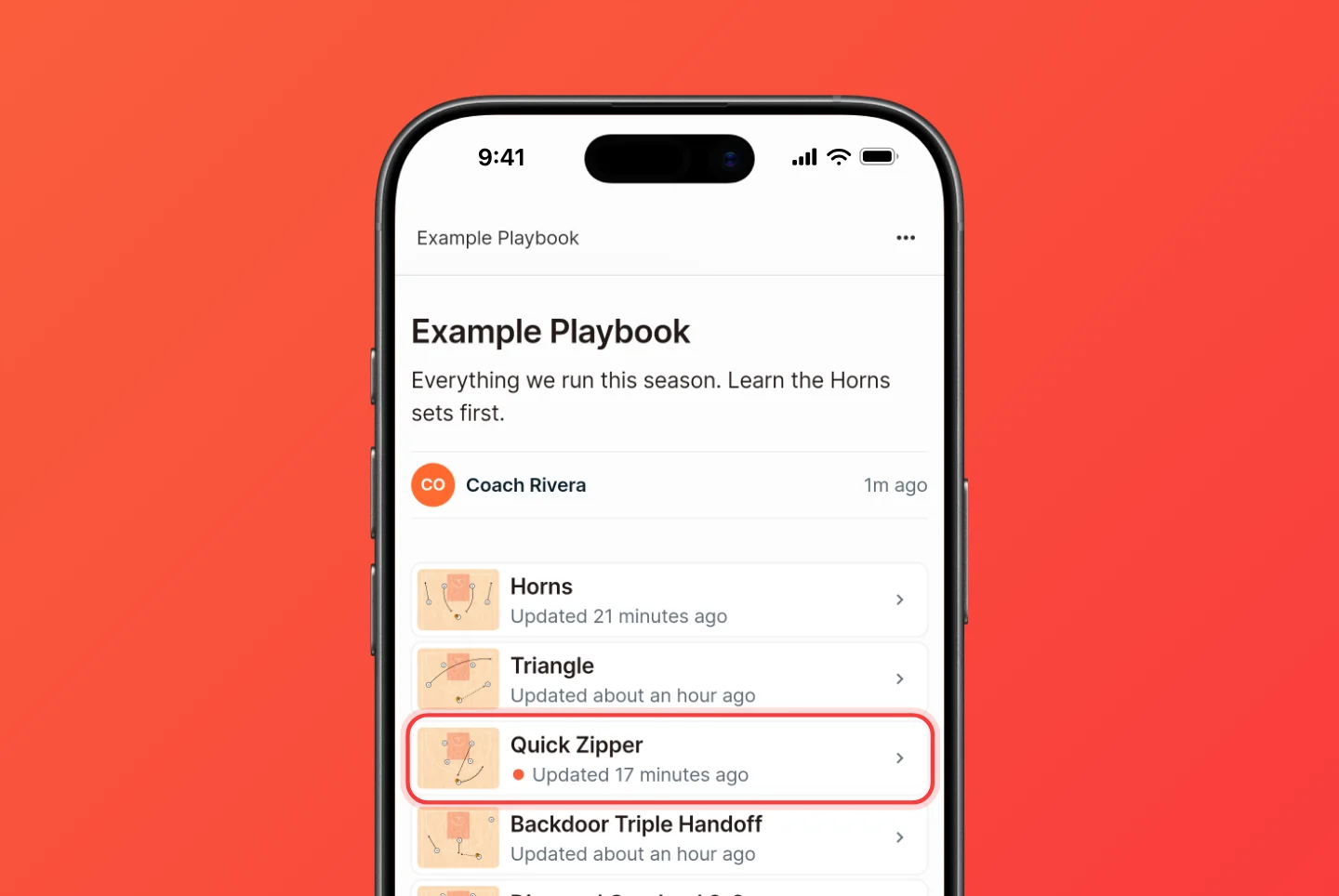
Each play in a shared playbook says when it was last updated. A dot marks every play that is new or changed since that player last opened it, and opening the play clears it.
Dots are tracked per device. On someone's first visit nothing is marked, since every play is new to them.
The installed team app works the same way, and can also notify players when you change the playbook.