Offline and updates
The team app keeps your playbook on each player's phone, so it opens without a connection, and can notify players when you change it.
It works offline
The first time a player opens the playbook, they need a connection. After that, it's saved on their phone: in a gym with no signal or in airplane mode, the app opens with every play as it was the last time it was online.
If the playbook has a password, players enter it once and the app remembers it.
How your changes reach players
Your edits reach the app the same way they reach the link, with the same update dots. See Keep it up to date.
With a connection, the app opens the saved copy straight away and loads your latest version in the background. Pulling down on the page checks right now.
Notify players of updates
In the playbook's share dialog, choose Configure mobile app and switch on Notify players of updates. It's off when you first turn on the app.
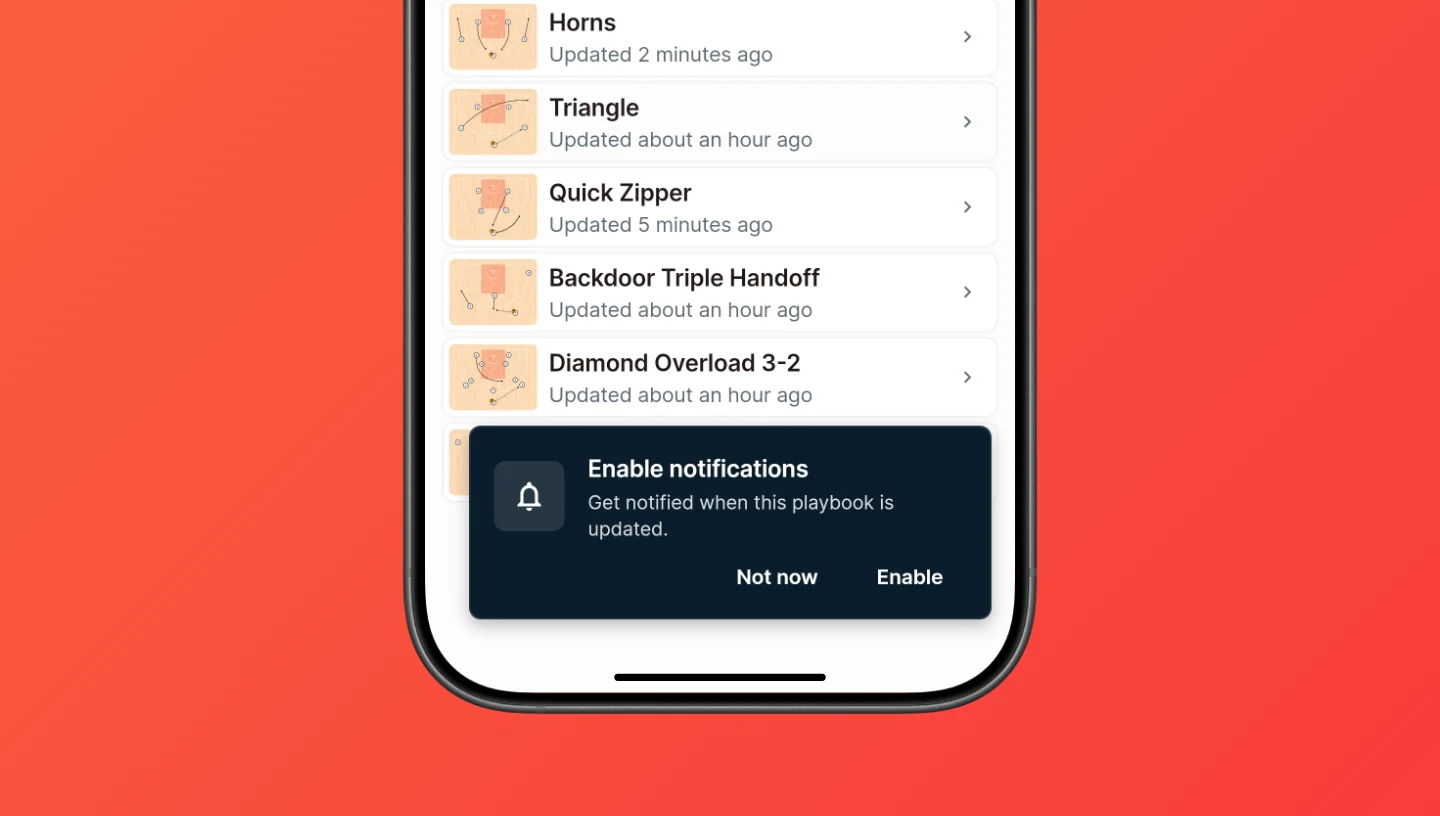
The app then asks players whether to enable notifications. If they agree and allow notifications on their phone, they get a push notification with the playbook's name whenever you make changes. Tapping it opens the playbook.
- Notifications only work in the installed app, not in a browser.
- The notification goes out a few minutes after your changes. Several edits in a row send one notification.
- If a player chooses Not now, the app doesn't ask again. On Android, they can still turn notifications on in the app's settings on their phone: press and hold the app icon, then go to App info › Notifications. On an iPhone, that setting only appears once the app has asked, so the way back is to remove the app from the home screen and install it again.
- If a player enabled notifications in the app but then blocked them in their phone's prompt, they can turn them on in the phone's settings for the team app: Settings › Notifications on an iPhone, or App info › Notifications on Android. The app picks it up the next time it opens.
Updates to the app itself
When there's a new version of CoachCanvas itself, the installed app offers to update. Updating reloads the app; players can also do it later. Your own edits to the playbook don't need this: they reach players without an update.
If you turn the app off
Disabling the app, or a Pro plan that ends, takes away Get the App and stops notifications. The playbook stays shared: players can still open it from your link, and players who already installed the app can keep using it. To stop sharing it altogether, see Share a link.